Share photos
without
social media
Want to send friends your photos, not post them?
Done with feeds, likes, and strangers?
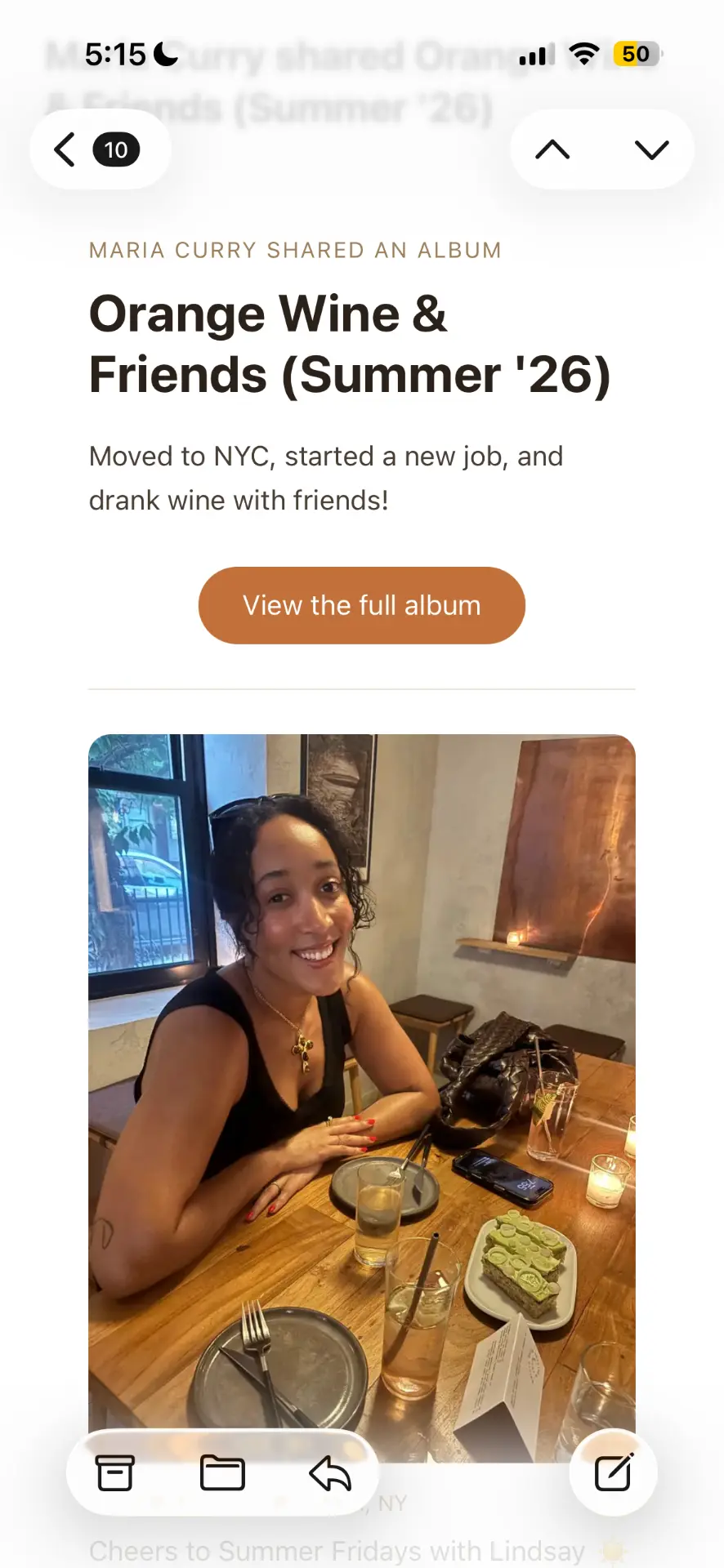
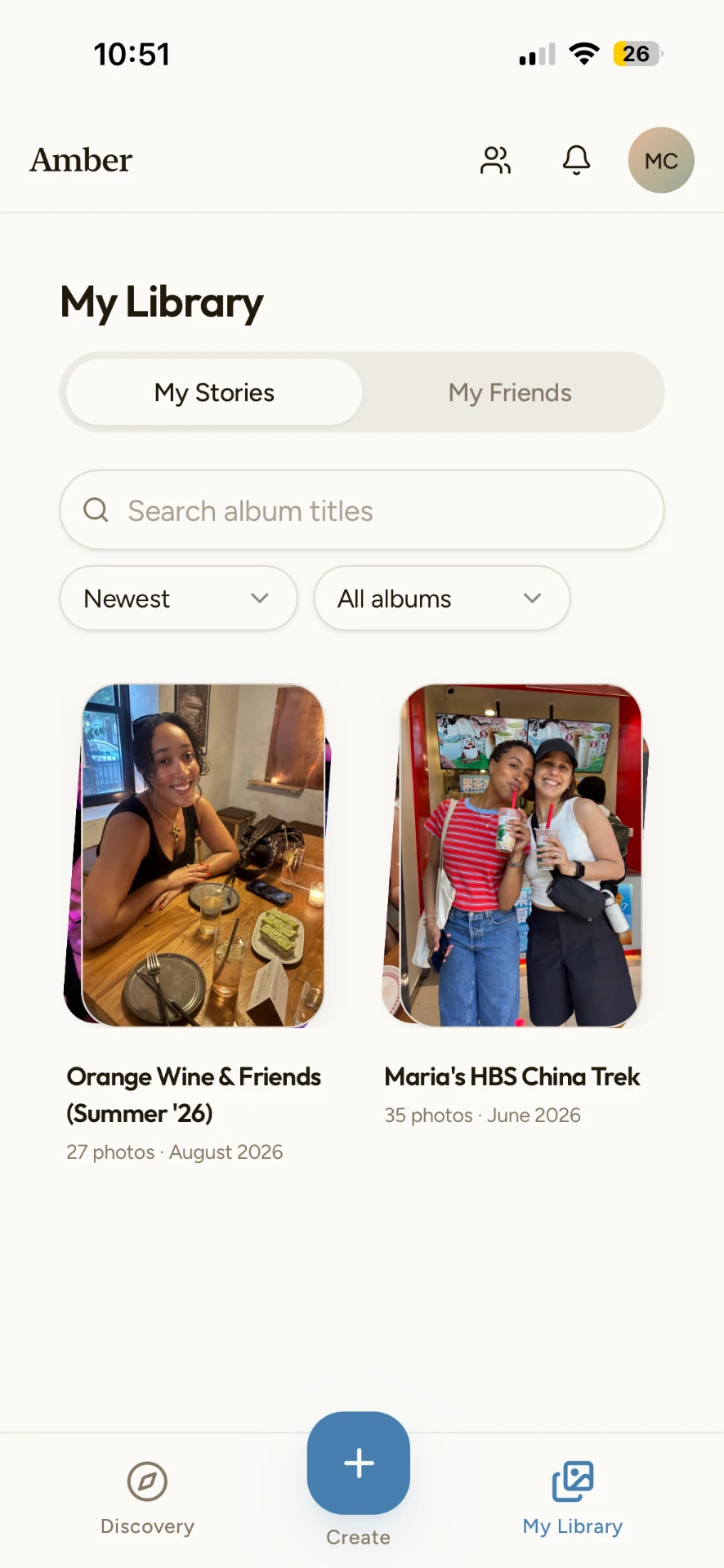
Amber turns your photos into a newsletter with the real story behind them, then gives you one flexible link. Text it, email it, send it in the group chat. Friends just tap to view.
Three ways to send an album
Text it
Drop the link in a group chat. It opens in the browser like any other page.
Email it
Send the album as a formatted newsletter to the contacts you pick.
Post it anywhere
Same link works in a Slack, a note, or a card. Nothing is public unless you share it.
Questions about sharing photos off social media
How can I share photos without posting on social media?
Make an album in Amber, then send the link. Your photos are not posted to a feed, are not shown to strangers, and are not fed to an algorithm - only the people you send the link to see them.
How do I share a lot of photos at once?
Start writing your story, then add photos from your camera roll wherever you want them. You choose the layout and order of each photo grid, pick the cover photos, and add captions.
What is the easiest way to send photos to friends and family?
One link. Text it in a group chat or email it as a newsletter. Recipients tap it and see the full album in their browser, with no sign-up and no app to download.
Do my friends need Amber to see the photos?
No. Viewing is open to anyone with the link. They only need an account if they want to create and share albums of their own.