A private
photo sharing
app
Don't want your photos on a public feed?
Tired of making friends download another app?
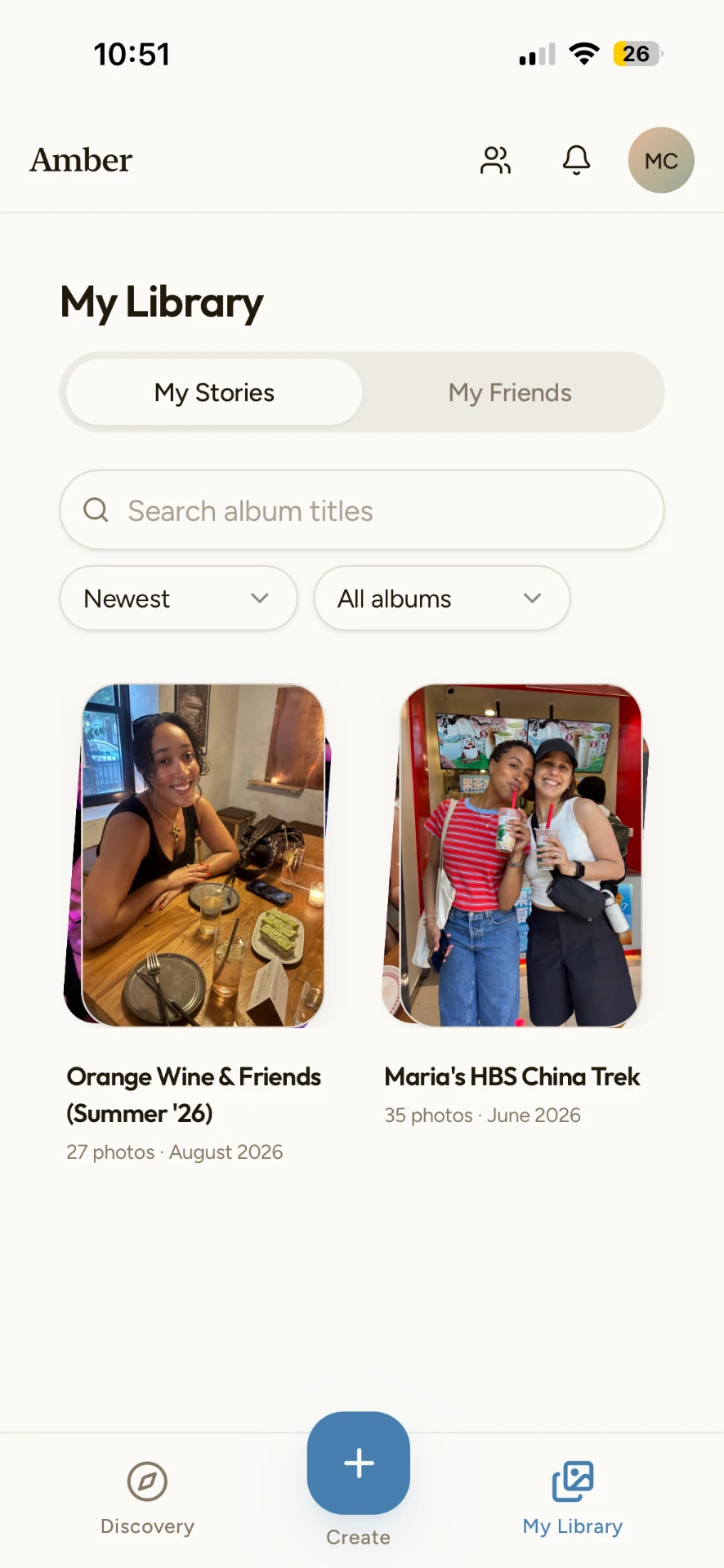
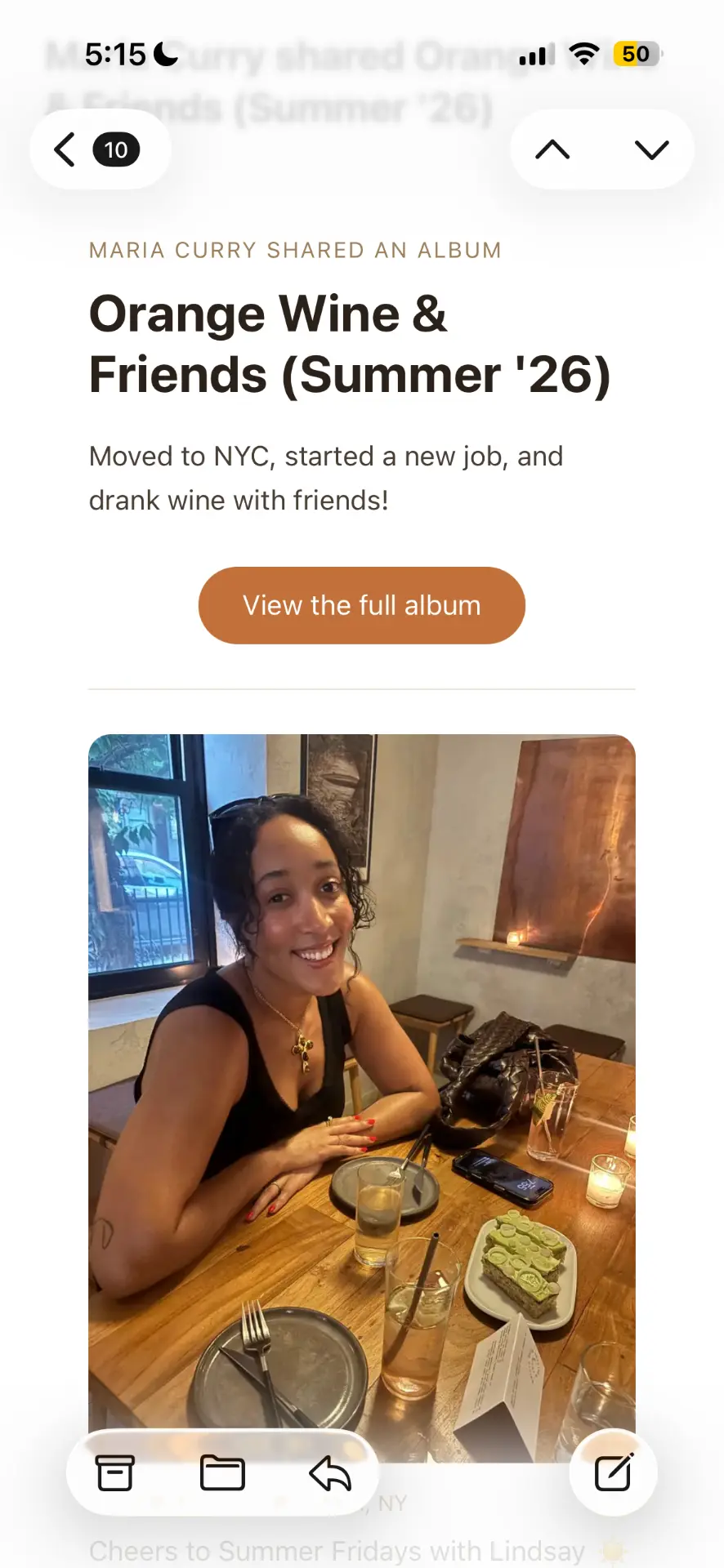
Amber lets you write the real story and add photos from your camera roll as you go, then gives you one private link. Text it or email it - your people open it instantly, no account required.
How private sharing works
Write
Start with a blank page and write what was actually happening.
Add photos
Drop in photos from your camera roll wherever you want them, and reorder them however you like.
Send the link
Choose who can view, then share the link by text, email, or anywhere else. No account needed to open it.
Questions about private photo sharing
What is the best private photo sharing app?
It depends on how your people want to receive photos. Amber is built for sharing with a specific group of friends or family: you make an album, get one link, and send it however you like. There is no public feed and nothing is discoverable by strangers.
Can I share photos privately without making anyone sign up?
Yes. Every Amber album has a private link. Anyone you send it to can open it in a browser and view the full album - no app download and no account.
Who can see my photos?
Only the people you send the link to. You choose per album whether it can be viewed by anyone with the link or only by friends you have added on Amber.
Is Amber free?
Creating and sharing albums is free.